
Having a smartphone with a rapidly draining battery is a frustration many users are familiar with. Whether it’s an iPhone or an Android phone, a battery that no longer lasts the day can quickly become a real headache. Fortunately, this problem often has simple explanations and practical solutions. Here’s a comprehensive guide to understanding why your battery drains too quickly and how to fix it permanently.
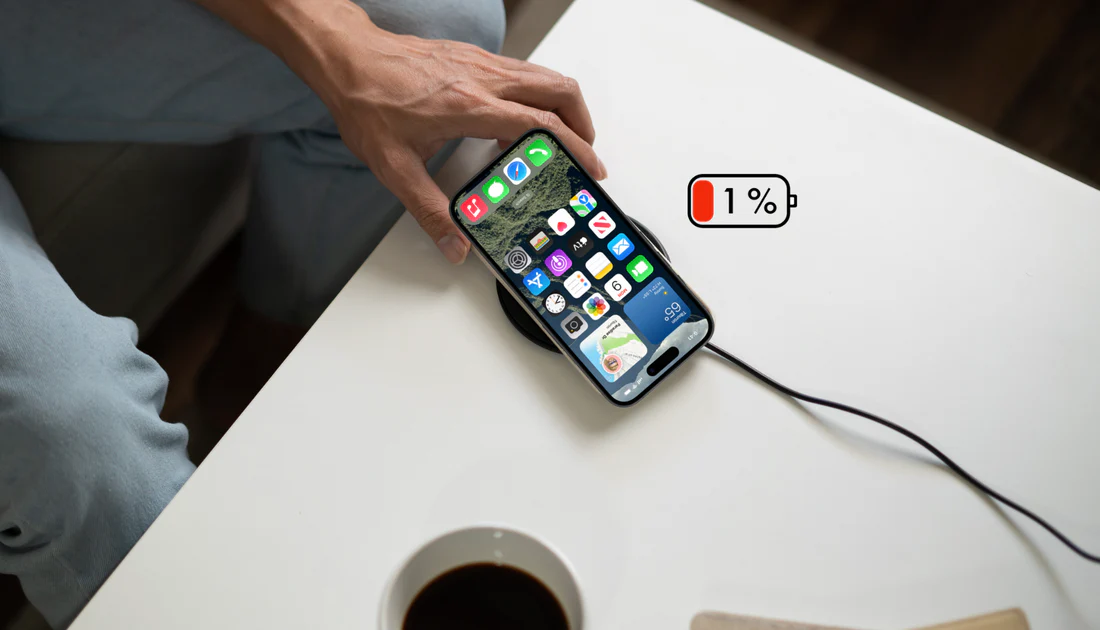
Why is your iPhone battery draining too quickly?
Several factors can explain a noticeable loss of battery life, sometimes even on a brand-new phone.
- High-energy-intensive applications: Mobile games, streaming videos, social networks like TikTok, Instagram, or YouTube… These applications heavily tax the processor and network connection, especially when running in the background. The result: a battery that drains rapidly.
- Our advice: disable background app refresh. Simply go to your iPhone settings, select General, then Background App Refresh. Here you can disable background app refresh for all or just some of your apps.
- Excessive brightness: The screen is one of the most energy-intensive components. If you leave the brightness at maximum, especially outdoors, you’re using more power than necessary. Activate automatic brightness adjustment or manually reduce the intensity to conserve battery life.
- Our advice: We recommend reducing your screen brightness as much as possible and especially disabling automatic brightness adjustment on your iPhone to save battery.
- Too many active connections: Bluetooth, Wi-Fi, GPS, mobile data… All these connections, even when not in use, consume energy if they remain active. Remember to disable them when they are not needed.
- A deluge of notifications: Each notification triggers a vibration, a sound alert, and screen activation. If numerous apps are constantly sending you notifications, this seriously impacts battery life.
- A battery nearing the end of its life: Over time, a battery naturally loses capacity. After two or three years, it often won’t last a full day, even with moderate use. In this case, a replacement may be necessary.
How to diagnose the cause?
Identify energy-intensive applications
Go to your battery settings to see which apps are using the most power. If an app you rarely use appears at the top of the list, it’s probably running in the background without you realizing it.
Check for updates
An outdated system or application can cause bugs or energy drain. Remember to keep your operating system (iOS or Android) and applications up to date.
Control the connections
Disable unused connections: Wi-Fi when you’re on the go, Bluetooth if no accessories are connected, GPS if you’re not navigating, etc. Also, remember to use airplane mode when you don’t need the network.
Activate energy saving
Most phones offer a power-saving mode. This reduces performance, limits background processes, and disables certain animations to conserve battery life. Use it as soon as the battery drops below 30%.
What if the battery is actually worn out?
If, despite all these tips, your iPhone is still draining its battery too quickly, it might be time to consider replacing it. A new battery often breathes new life into a phone, extending its lifespan by several years. Many authorized repair centers offer this service at an affordable price, sometimes with incentives like the repair bonus in France.
If your iPhone’s battery drains too quickly, it’s not the end of the world. In most cases, proper system settings, smart app management, and more mindful usage can restore satisfactory battery life. And if the problem stems from a worn component, a simple battery replacement may be enough to get you going again for several years.
Is your iPhone still draining too quickly despite everything? Casa de PhoneTel can help.
If your iPhone battery drains too quickly despite these settings, the battery may simply be worn out. Apple publishes an official guide on iPhone battery health, which allows you to check its maximum capacity in the settings. At Casa de PhoneTel in Rouen, we offer iPhone battery replacement with a free diagnostic. Contact us for a quick assessment of your device’s condition.
In summary, when your iPhone battery drains too quickly, always start with software settings before considering a battery replacement: in most cases, these tips are enough to restore satisfactory battery life.
Our technicians in Rouen systematically perform a battery health check during each diagnosis to clearly indicate whether a replacement is necessary or if a simple adjustment is sufficient to solve the problem.