
Is your smartphone full? Discover the 2025 method to free up to 20GB without deleting your photos. Clean up caches, resource-intensive apps, and unnecessary backups with tips from iTelier Lyon. A simple, quick, and safe guide to regain space and boost performance.
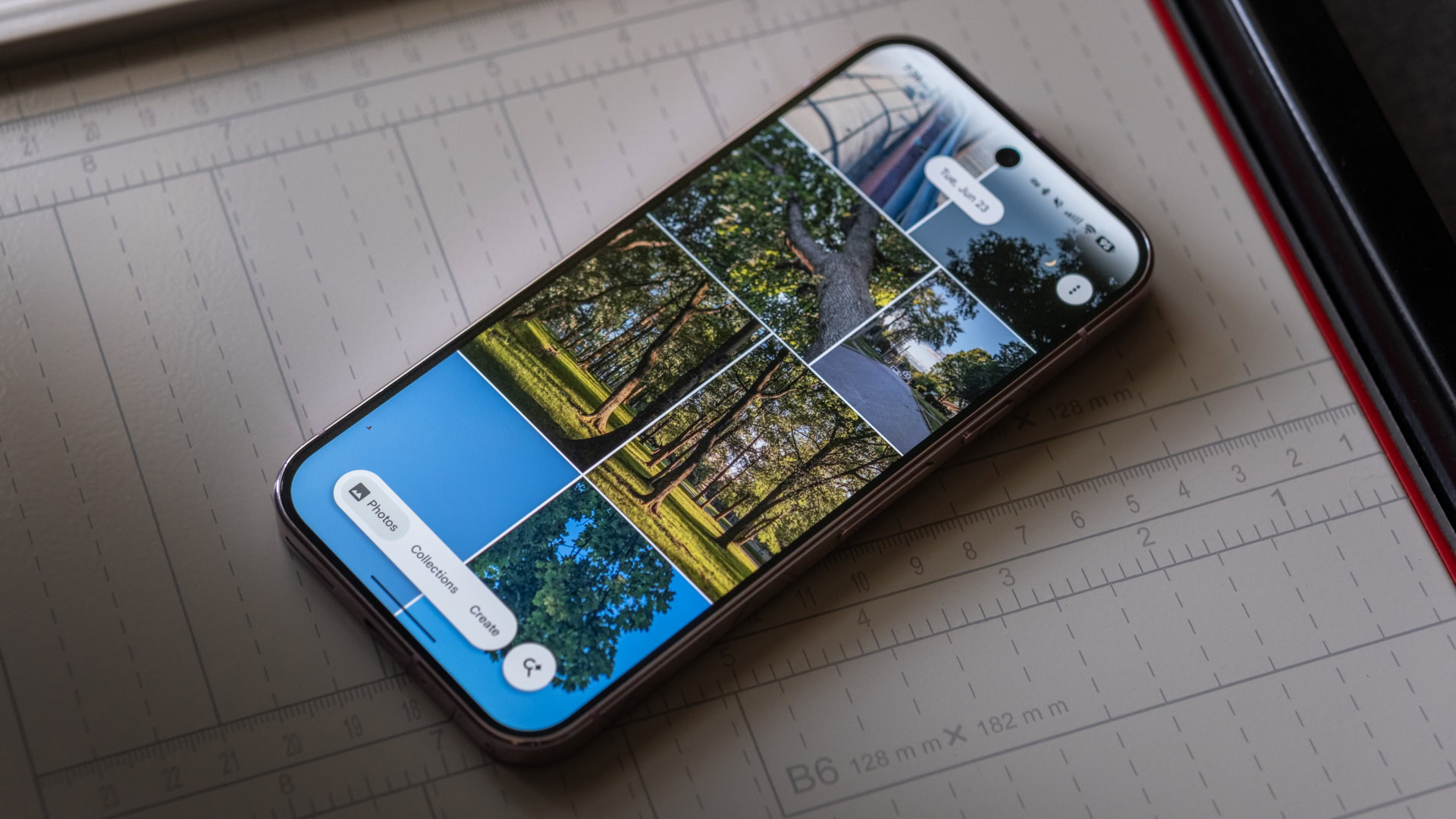
Between apps, system files, WhatsApp videos, and invisible caches, modern smartphones fill up quickly. Deleting photos is no longer the only option: in 2025, there are reliable ways to free up to 20 GB of space without losing anything important.
1. Clean up temporary files and the system cache
Hidden and temporary app files can take up several gigabytes. On Android, go to Settings > Storage > Temporary Files or use the built-in Samsung maintenance tool. On iPhone, restart your device and let iOS automatically clear unnecessary caches.
iTelier Tip
On Android, the “Files by Google” app deletes up to 3 GB of unnecessary files with a single click. Remember to clear your social media cache (Instagram, TikTok, YouTube): this often frees up 5 to 10 GB of space.
2. Back up your photos without deleting them
Instead of deleting your images, transfer them to the cloud. Google Photos, iCloud, or OneDrive offer free automatic backup (up to 15 GB depending on the service). Once your photos are backed up, delete the local copies: your memories will remain accessible online.
Local option
You can also move your photos to a microSD card or external hard drive via USB-C. iTelier recommends making two copies: one local, one in the cloud.
3. Delete invisible downloads
Your browsers, messaging apps, and streaming apps store massive amounts of temporary files. In WhatsApp or Telegram: open the storage settings and delete the automatically received files (often 2 to 5 GB). In Netflix or Spotify, delete completed downloads.
4. Identify the most resource-intensive applications
Open Settings > Storage > Apps: games or editing apps can exceed 4 GB. Delete any you haven’t used in the last 30 days. To keep them “in memory” without the data, use the Temporarily Disable function
5. Empty the WhatsApp folder and local backups
Each WhatsApp chat saves photos, videos, and backups. Open Settings > Storage > Manage space .You can sometimes free up to 8 GB. Disable multiple automatic backups if you already have a copy on Google Drive or iCloud.
iTelier Bonus Tip
Transfer important WhatsApp media to Google Photos before clearing the app’s cache. This will preserve your memories without using up internal storage.
6. Remove unused updates and old system files
Android sometimes keeps old updates. Go to Storage > System Files and delete the older versions. On iPhone, iOS handles this automatically after each update, but a restart can speed up the cleanup.
7. Outsource your data with an optimization tool
Tools like Smart Switch (Samsung) or iTunes/Finder allow you to temporarily move your data to a computer. This lets you free up more than 10 GB, then re-import only what you need.
Why iTelier recommends monthly cleaning
A lighter phone is faster, more stable, and uses less battery. At iTelier Lyon, our technicians include this complete cleaning in every free diagnostic. This extends the smartphone’s lifespan and prevents storage errors before repair.
Our tailor-made solutions
We offer complete cleaning and secure backup of your data before any intervention (battery replacement, screen, connector, etc.). This service is available in our Lyon 6 store or by mail throughout France.
Quick summary of the method
1️⃣ Clear caches and downloads.
2️⃣ Back up your photos to the cloud.
3️⃣ Uninstall large apps.
4️⃣ Clean up WhatsApp and system files.
➡️ Result: up to 20 GB freed up without losing your memories.