
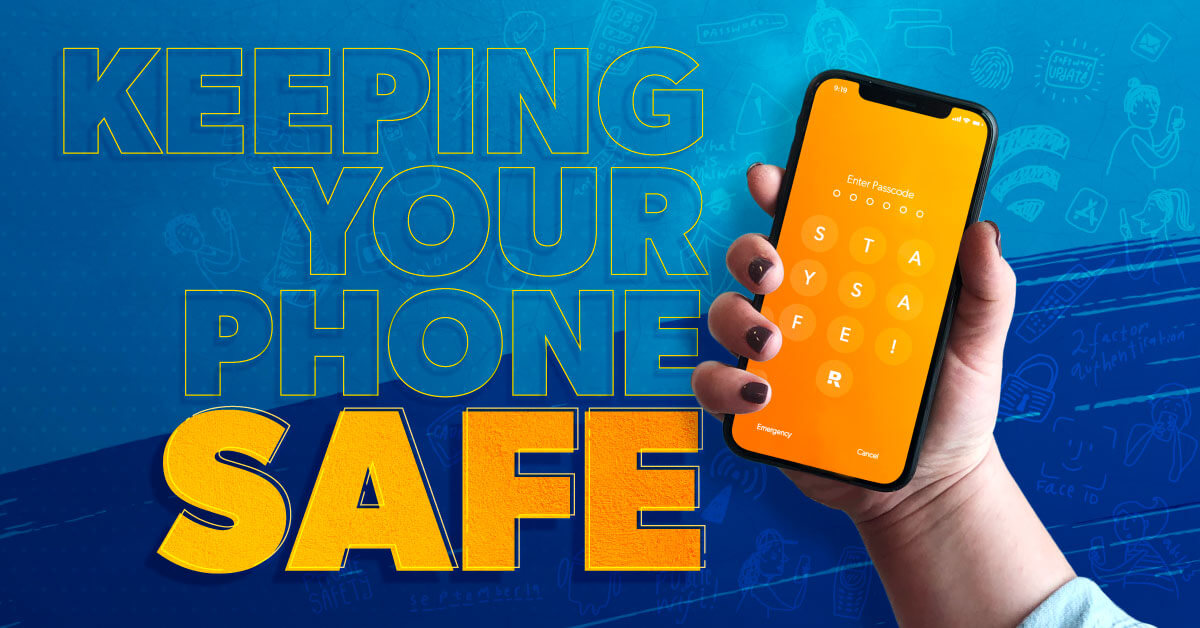
5 tips to protect your mobile phone from hackers today
The following tips are simple, can be applied in minutes, and will protect your mobile phone from hackers. Don’t leave your mobile phone and data undefended: take the time to secure your smartphone today!
1. Use a PIN code
Whether your mobile phone is locked with a pattern, a PIN, your fingerprint, or facial recognition, your PIN is the first line of defense against hackers, especially in case of theft. However, if you don’t want to use facial recognition or a fingerprint, setting up a PIN is much more effective than a pattern lock, which is easier to hack. Make sure, though, that the PIN you choose is unique and difficult to guess. PINs like “1234” are easy to remember, but they’re also among the easiest to crack!
2. Download the apps from the official app stores
According to Symantec, one in 36 smartphones contains a high-risk application. Most of these malicious applications are downloaded from outside of Apple’s App Store or Google Play Store. This allows them to bypass the rigorous security measures implemented by Apple and Google to protect smartphones from malware. If you download a high-risk app on your mobile phone, a hacker could use it to access your personal data, including your passwords and banking information. The key takeaway? Only download apps from Google Play or the App Store, and before downloading, check the descriptions and reviews.
3. Regularly update your applications and operating systems
You should not only download your apps exclusively from Google Play or the App Store, but also ensure they are kept up to date. Hackers can exploit outdated apps, identify weaknesses in their infrastructure, and access your personal data. The same principle applies to your current operating system. These updates often contain patches to address security vulnerabilities detected in the operating system code, thus providing greater protection for your mobile phone against hackers. While these updates can sometimes be lengthy, they significantly reduce the risk of your mobile phone being hacked.
4. Use a VPN
Want to connect to a public Wi-Fi network? Then you absolutely must use a VPN. Hackers can connect to any accessible public Wi-Fi router and try to access devices using the same public network. A VPN hides your device and makes it invisible to cybercriminals, who then can’t hack it. Public Wi-Fi networks should be avoided anyway.
5. Do not use automatic login (auto-login)
While this system is very convenient, if your apps are configured to log in automatically each time you use them, they are much easier to hack. If a hacker gains access to your mobile phone and you have enabled automatic login, they can easily open all your unprotected apps and extract your data. Manually entering your passwords each time you open an app on your mobile phone certainly takes more time, but it is much more secure.
How to protect your iPhone from hackers
To protect your iPhone from hackers, follow these tips. Here’s where to start.
1. Activate the “Find My iPhone” service
If your smartphone is stolen, the “Find My iPhone” service will send you its current location, increasing your chances of finding it. You can also completely block access to your iPhone by activating “Lost Mode.” This way, if someone steals your phone, you can prevent any hacking while you locate it. You can also locate your phone in airplane mode if you have enabled the “Find My Network” option.
2. Turn off Siri
In 2020, a group of researchers discovered a new hacking method called SurfingAttack .This attack involves sending ultrasonic waves, inaudible to the human ear, to the iPhone’s voice assistant, Siri. Hackers can then control Siri and instruct it to make calls or retrieve SMS codes from your mobile phone. These codes are then used to access the phone and, subsequently, your personal data. Disabling Siri prevents this type of hacking.
3. Activate the “Self-Destruct” mode
You can program your iPhone to self-destruct after ten unsuccessful passcode attempts. This mode erases all data from your phone and resets it, preventing thieves from accessing your data if they get hold of your phone and try to enter your passcode multiple times. To activate it, go to Settings, then select Touch ID & Passcode. Turn on Erase Data an, and then tap Enable when the confirmation message appears.
How to protect your Android mobile phone from hackers
Just like with iPhones, there are several ways to protect your Android phone from hackers. Take a few minutes to secure your Android smartphone now.
1. Lock individual applications
On Android phones, you can lock individual apps. Thieves and hackers who manage to bypass your lock screen won’t be able to access these locked apps on your phone. You can also download an app specifically designed to lock these apps, such as Norton App Lock or AppLock – Fingerprint, for ultimate security.
2. Activate the “Find My Device” service
Similar to Apple’s “Find My iPhone” service, “Find My Device” helps locate a lost mobile phone. To activate this service, go to “Settings,” then tap “Google,” “Security,” and “Find My Device.” To locate your mobile phone, go to this link and sign in with your Google account.
3. Check your applications’ permissions
While most Android apps request access to your phone’s features (camera, location, or storage), not all do. This means some apps access your sensitive data without your knowledge. Therefore, regularly check your apps’ permission settings and ensure you’re only sharing the data you want. To do this, go to “Settings,” “Apps,” and then “Permissions Manager.” In this section, you can review a list of all your apps’ permissions, especially those listed under “Special access.”