
Mobile phones are indispensable devices for most people these days. Not only do they allow us to communicate with others, but they are also used to store important personal data, such as banking information, photos, emails, and much more. However, given our increasing reliance on our mobile phones, it’s important to consider whether these devices are truly secure. In this article, we’ll examine five aspects of mobile phone security.
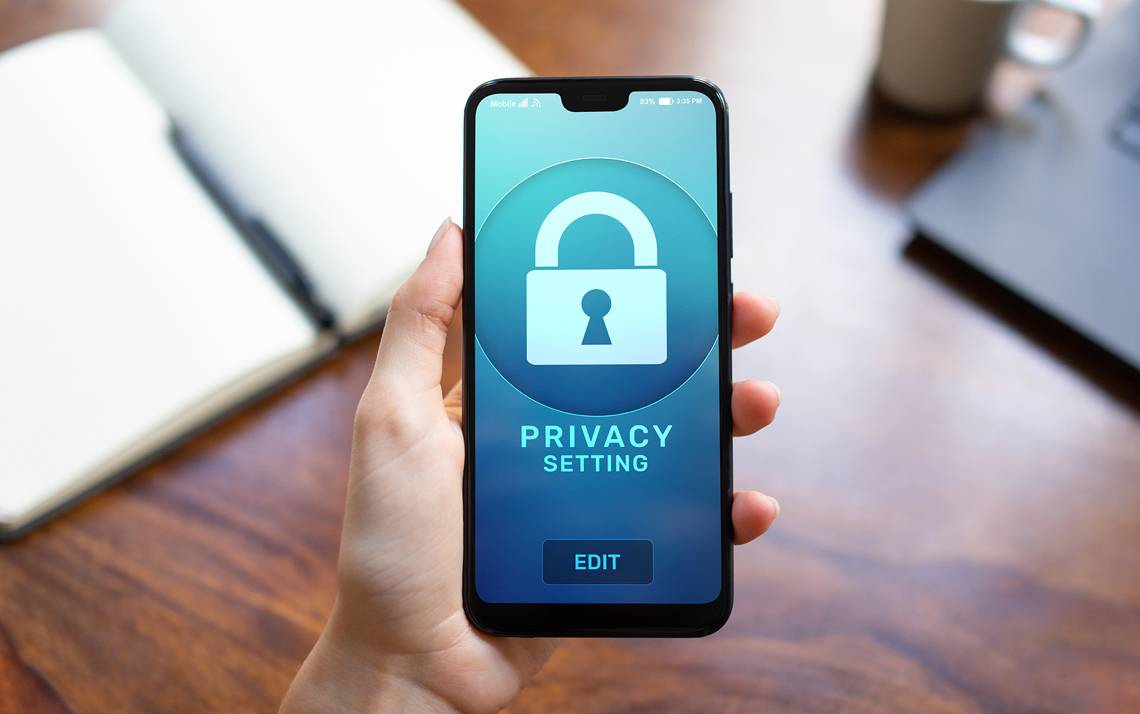
Passwords
Passwords are one of the most common ways to protect mobile phones from unauthorized access. However, using a weak or reused password can compromise your mobile phone’s security. In this section, we’ll take a closer look at password protection as well as other security options such as facial recognition and fingerprint scanning.
Password protection
Password protection is one of the most common methods for protecting your mobile phone. However, it’s important to use a strong and unique password to ensure maximum security. Weak passwords, such as “1234” or “0000,” can be easily guessed, leaving your mobile phone vulnerable to unauthorized access. A strong password should contain letters, numbers, and special characters, and it should be unique for each account you have.
Facial recognition
Facial recognition is a relatively new security method that uses facial recognition to unlock your mobile phone. While convenient, it’s not as secure as other methods like fingerprinting, as it can be fooled by a photo or video of your face. However, facial recognition can be a practical option for people who have trouble remembering complex passwords.
Fingerprints
Fingerprints are a common security method on modern mobile phones. This method is considered more secure than facial recognition because fingerprints are unique to each individual. However, it’s important to note that fingerprints can be forged or duplicated, which can compromise the security of your mobile phone. It is also recommended not to use the same fingerprint for multiple devices.
Software updates
Another important aspect of mobile phone security is regularly updating your phone’s software. Software updates include security patches for known vulnerabilities, as well as additional features. Therefore, it’s important to keep your mobile phone up to date to avoid potential security breaches.
Risks of not updating
Failing to regularly update your mobile phone can have serious consequences. Unpatched security vulnerabilities can allow hackers to access your personal data, such as your photos, emails, and banking information.
How to update your mobile phone
Software updates are usually downloaded automatically to your mobile phone. However, you can also manually check for updates by accessing your mobile phone’s settings.
Wi-Fi security
Wi-Fi security is an important aspect of mobile phone security, as Wi-Fi contains numerous vulnerabilities. Hackers can use public Wi-Fi networks to access your personal information and compromise your mobile phone’s security. In this section, we’ll examine the risks of using public Wi-Fi networks and methods to improve the security of your Wi-Fi connection.
Risks of using public Wi-Fi networks
Public Wi-Fi networks are not secure and can be used by hackers to access your personal information. Hackers can use techniques such as packet sniffing to intercept unencrypted data traffic and access your personal information. It is important not to conduct financial transactions or disclose personal information on a public Wi-Fi network.
How to improve the security of your Wi-Fi connection
There are several ways to improve the security of your Wi-Fi connection, such as using a virtual private network (VPN) or disabling automatic connection to public Wi-Fi networks. VPNs encrypt your internet traffic, making it harder for hackers to intercept. Disabling automatic connection to public Wi-Fi networks allows you to control which networks you connect to.
Third-party applications
Third-party apps are applications not provided by your mobile phone manufacturer. While some third-party apps are reliable and useful, others can be malicious and compromise your mobile phone’s security. In this section, we’ll examine the risks associated with third-party apps and methods to minimize those risks.
Risks associated with third-party applications
Malicious third-party apps can access your personal information and data without your consent, which can lead to security issues such as data loss, identity theft, and fraud. Third-party apps can also contain malware, such as viruses or Trojans, that can damage your mobile phone.
How to minimize the risks
To minimize the risks associated with third-party applications, it is recommended to download apps only from trusted sources, such as the Google Play Store or Apple’s App Store. Furthermore, you should always check the permissions requested by an application before installing it. If an application requests excessive or inappropriate permissions, it is best not to install it.
Data backup
Backing up your data is also an important aspect of your mobile phone security. Regularly backing up your data ensures that your personal information is safe, even if your mobile phone is lost or stolen.
How to back up your data
There are several ways to back up your data, including using cloud storage or connecting your mobile phone to a computer to perform a manual backup. It is recommended to back up your data regularly to avoid losing important information.
The importance of data backup
If you don’t regularly back up your data, you risk losing all your personal information if your mobile phone is lost or stolen. This can have serious consequences, including the loss of photos, contacts, and other important information. In conclusion, mobile phone security is an important aspect of modern life. It’s essential to take security measures such as using strong passwords, regularly updating your mobile phone, being cautious when connecting to public networks to avoid Wi-Fi vulnerabilities , checking third-party applications, and regularly backing up your data. By following these simple security measures, you can ensure that your personal information is safe and that your mobile phone is secure.